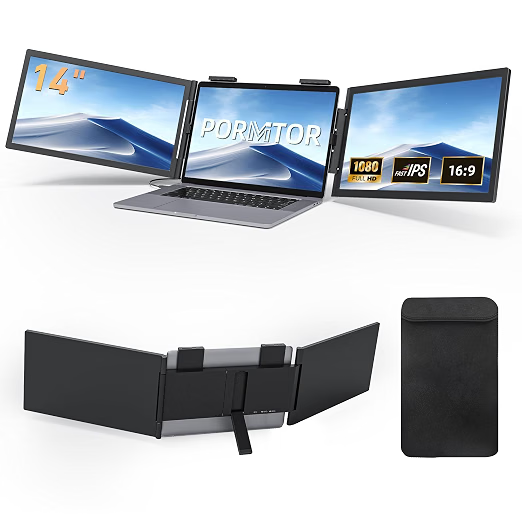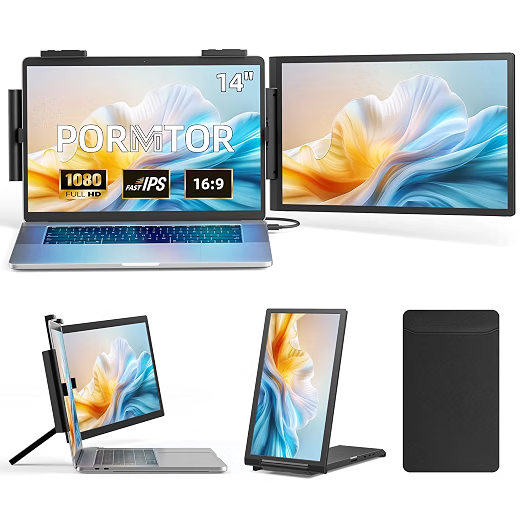
Every PORNITOR screen works on a Mac as one extra display. Whether you get two extra screens depends only on your MacBook's chip.
External displays by chip
- M1 and M2 (base): one external display. Two PORNITOR screens show the same picture (mirror).
- M3 (base): one external display with the lid open, two with the lid closed (macOS Sonoma 14.6 or later). For a triple extender, which needs the lid open, that means one.
- M4 (base): two external displays with the lid open.
- M1/M2/M3/M4 Pro and Max: two or more external displays.
Check your chip in Apple menu → About This Mac.
Which PORNITOR to pick for a Mac
- Base M1/M2/M3: a single extender (C140, Z140Y21D or Z156Y21D) or a portable monitor. A triple will work, but both sides mirror.
- Base M4, Pro or Max: the Z140 Triple or the 15.6" Stacked Dual, with one cable per screen.
- Avoid: the 2K Triple 15.6", which Pornitor sells for Windows only.
Want more screens on a base Mac?
A DisplayLink dock with its driver can add screens beyond Apple's limit. It uses some processor power and does not show protected video in every app, but it is the usual way around the limit.
Setup on macOS
System Settings → Displays → select each PORNITOR screen → Use as: Extended display, then Arrange. Full steps are in How to Connect a PORNITOR Screen Extender.
Model in this guide
PORNITOR 15.6" Stacked Dual Portable Monitor (Windows / Mac)
- 2 × 15.6" 1080p, matte
- Folds flat
- USB-C